Whoa! I didn’t expect to get excited about wallets again. Really. At first I thought wallet choices had plateaued—same old UX, same exchange integrations, basically somethin’ dressed up as new. But then I started using a desktop multi‑coin wallet that supports atomic swaps and my perspective shifted. My instinct said “this could be smoother,” and then the tech actually surprised me. Here’s the thing: decentralization finally feeling practical is different from just theoretical—there’s a tactile convenience to it, though it does raise questions about tradeoffs and safety.
Okay, so check this out—desktop wallets often get dismissed as clunky compared to mobile apps. Hmm… true sometimes. But desktop clients give you a richer interface for coin management, better tooling for export/import of keys, and usually more detailed transaction history. On the other hand, they ask you to be responsible in a deeper way: you control the keys; you hold the consequences. That’s liberating if you’re ready. If not, it can be terrifying—seriously, it can be.

Why multi‑coin desktop wallets matter (and why atomic swaps change the game)
Imagine moving funds between Bitcoin and Litecoin without trusting any central party. Sounds ideal. On one hand, centralized exchanges offer convenience; though actually they introduce counterparty risk and withdrawal delays. Initially I thought cross‑chain trades would always need intermediaries—then atomic swaps proved otherwise in practice, not just in whitepapers. The core win is peer-to-peer trustlessness: a swap executes only if both sides fulfill cryptographic conditions. If one party bails, the funds roll back. Nice, right? It feels like reclaiming some of that original crypto promise.
I’ll be honest—atomic swaps are not magic. They require both chains to support certain scripting features (usually HTLCs or their equivalents). And UX hasn’t been uniformly solved: swap times, fee estimation, and refund paths can be messy. But when it works, it’s elegant. My early experiments had hiccups—timeouts, wrong fee tiers—but iterating made the flow much better. I learned some practical rules: verify transaction IDs, set realistic fee buffers, and test small amounts first. Very very important to test small.
Security-wise, desktop wallets give you local control. That sounds obvious, but people underestimate it. When your private keys live on your machine, two things happen: you remove third‑party custody, and you become the single point of failure. So backups matter. Back up your seed. Encrypt it. Store copies offline. (Oh, and by the way—paper backups still outlast hard drives.) There’s a tradeoff between control and convenience, and atomic swaps shift it slightly in favor of control without making things impossibly brittle.
At the practical level, look for wallets that handle key management cleanly, show clear swap states, and provide sane defaults for fees. My go‑to checklist when testing a wallet: can I import/export seeds? Does it support multiple chains natively or via plugins? Does the UI explain each swap step simply? Can I recover wallet from seed on a different machine? If any answer is no, walk away or proceed cautiously. Seriously—don’t skip that checklist.
Real‑world flow: a swap without an exchange
Here’s a straightforward playbook I used the first dozen times—no middlemen, just two live wallets and patience. First: fund wallet A with coin X and wallet B with coin Y. Next: initiate the swap in the desktop client; it constructs an HTLC and broadcasts it. Then the counterparty (or the other wallet) constructs their side, and the atomic condition ties them together cryptographically. If either side fails to complete, timeouts let funds return. Sounds tidy, right? It mostly is—but watch the deadlines, and make sure both clients’ clocks and mempools behave the same way.
Something felt off the first time I saw a swap fail: fees spiked mid‑swap and the refund window blurred. Lesson learned—don’t assume static network conditions. Also, keep small buffers. I once lost a few dollars on a refund because I underestimated miner variance. Not big, but it bugs me. These are solvable problems: better fee estimation, clearer UX warnings, and perhaps automated partial retries would help immensely. I can’t promise every wallet has that yet, but the best ones are getting there.
Now, if you’re curious about trying a desktop wallet that bundles multi‑coin support and swap capability, check out this well‑maintained client for a hands‑on test: atomic wallet download. Download, poke around, and start with tiny trades. I’m biased toward wallets that let you export seeds plainly and don’t force custodial recovery—because once you give up your seed, you give up control.
Common pitfalls (and how to avoid them)
First pitfall: thinking “one click and I’m done.” Nope. Atomic swaps need attention. Set conservative fee settings and allow the wallet to suggest values, not force them. Second: poor backups. If your seed gets corrupted, recovery may be impossible. Third: mixing high‑value trades before you’re comfortable. Start small. Fourth: trust assumptions—some wallets advertise swaps but route through custodial liquidity; read the fine print. Okay, that’s a bit paranoid, but in crypto, paranoia pays.
On the UX front, what bugs me is inconsistent language. Some clients call it “cross‑chain trade”, others “atomics”, and a few mix terms. This leads to confusion. I’d like to see standard labels: lock, redeem, refund, and timeouts, clearly displayed. Until then, ask questions in support channels or dev docs. If the docs are vague, that’s a red flag—run test swaps or choose a different wallet.
FAQ
Are atomic swaps safe for beginners?
They can be, with caveats. Start with small amounts and use wallets that clearly show swap steps. Practice swap flows on testnets if available. Somethin’ as simple as a $5 test trade teaches more than hours of reading. Also, keep your seed backed up.
Do atomic swaps work between any two coins?
No. Both chains need compatible scripting (often HTLC support) or a compatible bridge protocol. Common pairs like BTC↔LTC are well supported, but others might require wrapped tokens or intermediaries. Check the wallet’s supported pair list before assuming.
Can a desktop wallet be as secure as a hardware wallet?
Not exactly. Hardware wallets store keys offline and sign transactions on device, reducing exposure. But a desktop wallet combined with a hardware signer gives a strong middle ground—good UX plus hardware‑level key security. If you’re moving large sums, consider that combo.
So where does this leave us? I started skeptical, then cautiously optimistic, and now I’m cautiously excited. There’s work to do—UX polish, education, and better fee handling—but atomic swaps plus desktop control are a legit path to reclaiming peer‑to‑peer exchange power. I’m not 100% sure every use case should move here yet, but for decentralization‑minded users who want to hold keys and swap without big exchanges, this is a practical option. Try it, fail small, learn fast, and keep your seeds safe… or you’ll regret it later.
Author

marketing@vritimes.com
Related Posts
Mostbet dəstək sorğularının cavab müddəti təcrübələri: İstifadəçilərin fikirləri
Mostbet dəstək sorğularının cavab müddəti təcrübələri: İstifadəçilərin fikirləri Mostbet onlayn mərc platforması, istifadəçilərinə təqdim etdiyi xidmətlərin keyfiyyəti ilə fərqlənir. Dəstək sorğularının cavab...
Read out all
KAI Logistik Raih Penghargaan Marketeers Digital Marketing Heroes 2025 untuk Kategori Online – Offline Community Engagement
KAI Logistik kembali menegaskan posisinya sebagai perusahaan logistik yang inovatif melalui pencapaian penghargaan Marketeers Digital Marketing Heroes (MDMH) 2025 pada kategori Online–Offline...
Read out all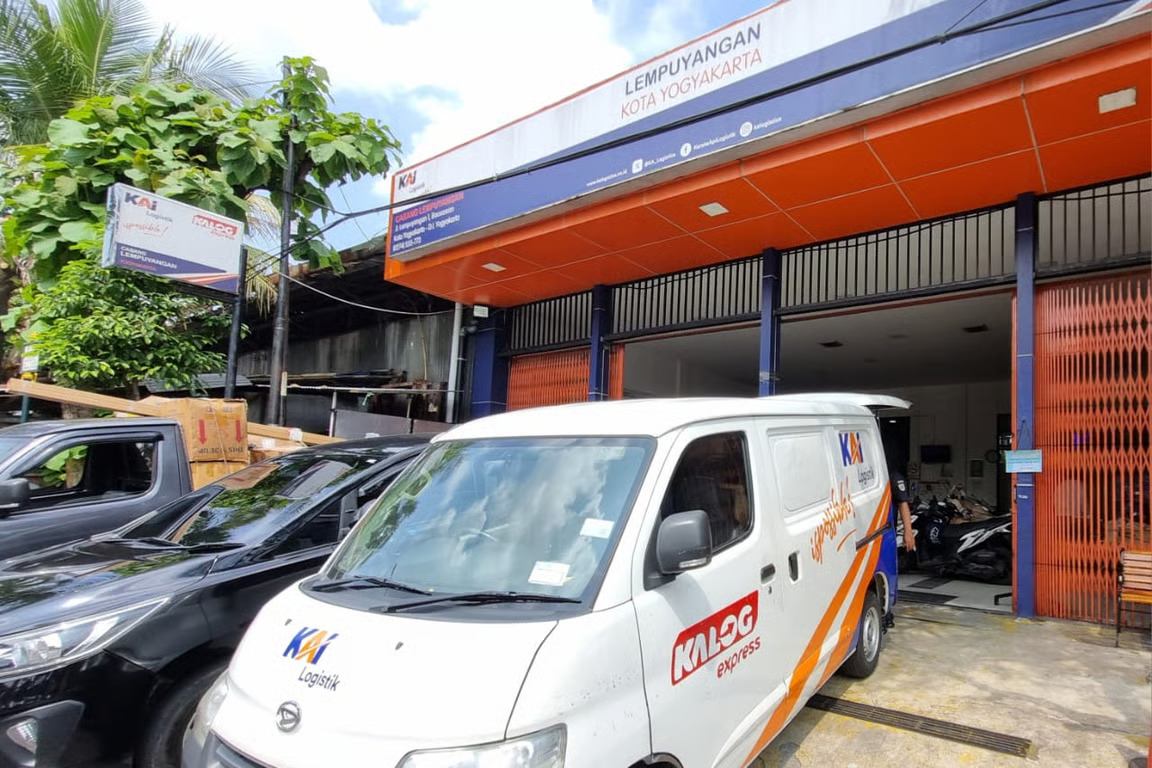
Dukung Kelancaran Logistik Pada Periode Natal dan Tahun Baru 2025/2026, KAI Logistik Perluas Titik Layanan
KAI Logistik kembali menegaskan komitmennya dalam memperluas jangkauan dan meningkatkan kualitas layanan logistik nasional melalui KALOG Express yang berfokus pada pengiriman barang...
Read out all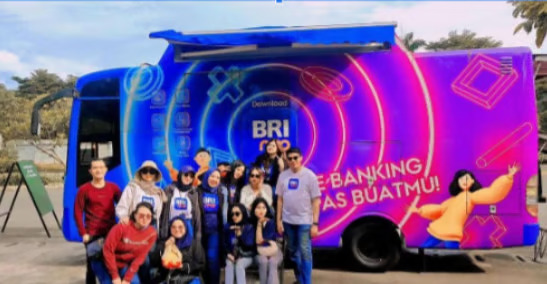
BRImo Menyentuh Destinasi Rekreasi: Akuisisi Layanan Ebuzz di Ancol oleh BRI Branch Office Cempaka Mas Region 6/Jakarta 1
BRI Branch Office Cempaka Mas Region 6/Jakarta 1 mengambil langkah inovatif untuk memperluas penetrasi aplikasi super-app mereka, BRImo, dengan menjalin kerjasama strategis...
Read out all
Relokasi Terencana: KAI Logistik Tangani Pemindahan dan Penataan 40 KRL Afkir ke TPSSK Pasirbungur
KAI Logistik melalui layanan KALOG Pro, khususnya pada segmen Project Logistic, saat ini tengah menangani relokasi terencana berupa pemindahan dan penataan 40...
Read out all
BRI Branch Office Gunung Sahari Perkuat Kemitraan Strategis dengan Yifang Cargo Mutiara Elektronik Perkuat Kemitraan Strategis
Yifang Cargo Mutiara Elektronik, salah satu perusahaan manufaktur terkemuka yang memproduksi berbagai perangkat elektronik seperti telepon genggam, sepeda listrik, serta beragam aksesoris...
Read out all